AI SAFETY FOR EVERYDAY SHARING
Check before
you
trust,
click or share
Trenixa helps you analyze suspicious
messages, risky links,
screenshots and
files before they turn into a problem



AI SAFETY FOR EVERYDAY SHARING
Check before
you
trust,
click or share
Trenixa helps you analyze suspicious
messages, risky links,
screenshots and
files before they turn into a problem
AI SAFETY FOR EVERYDAY SHARING
Check before
you
trust,
click or share
Trenixa helps you analyze suspicious
messages, risky links,
screenshots and
files before they turn into a problem
1.2M+
FILES
Cleaned from hidden data
2.8M+
LINKS
Scanned for malicious activity
3.6M+
MESSAGES
Analyzed with AI intelligence
980K+
SCREENSHOTS
Checked for sensitive content
Ask anything
safely
AI CHAT
AI CHAT
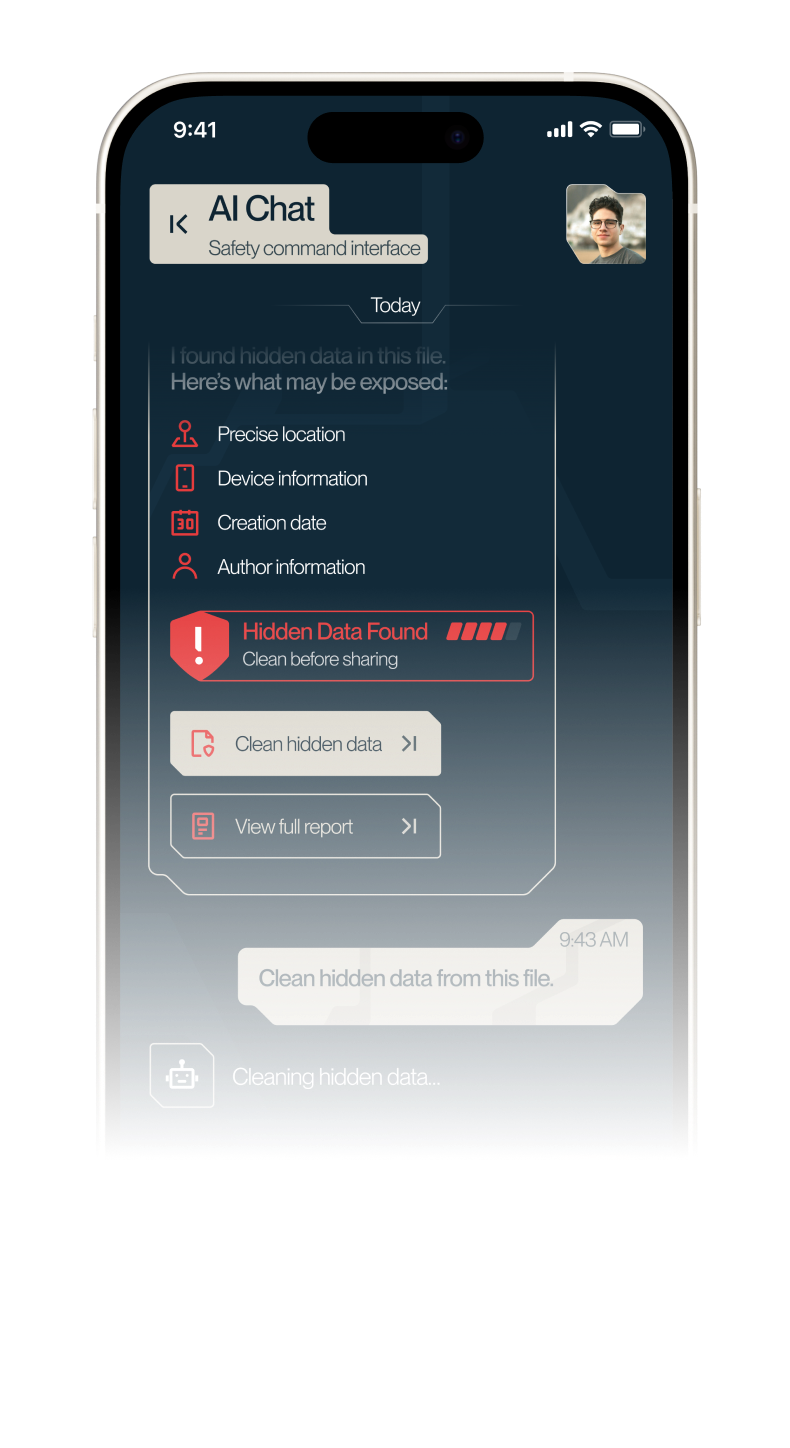
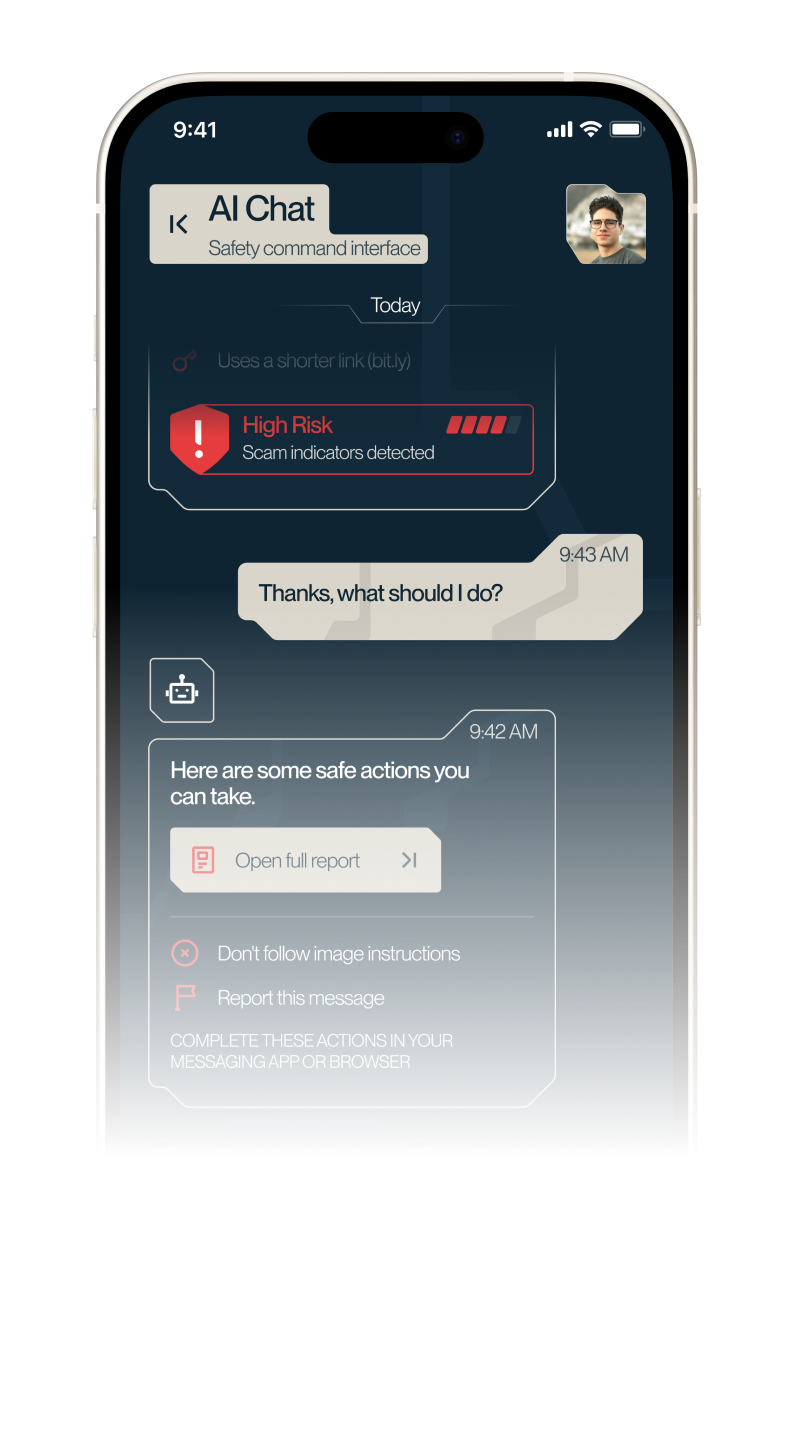
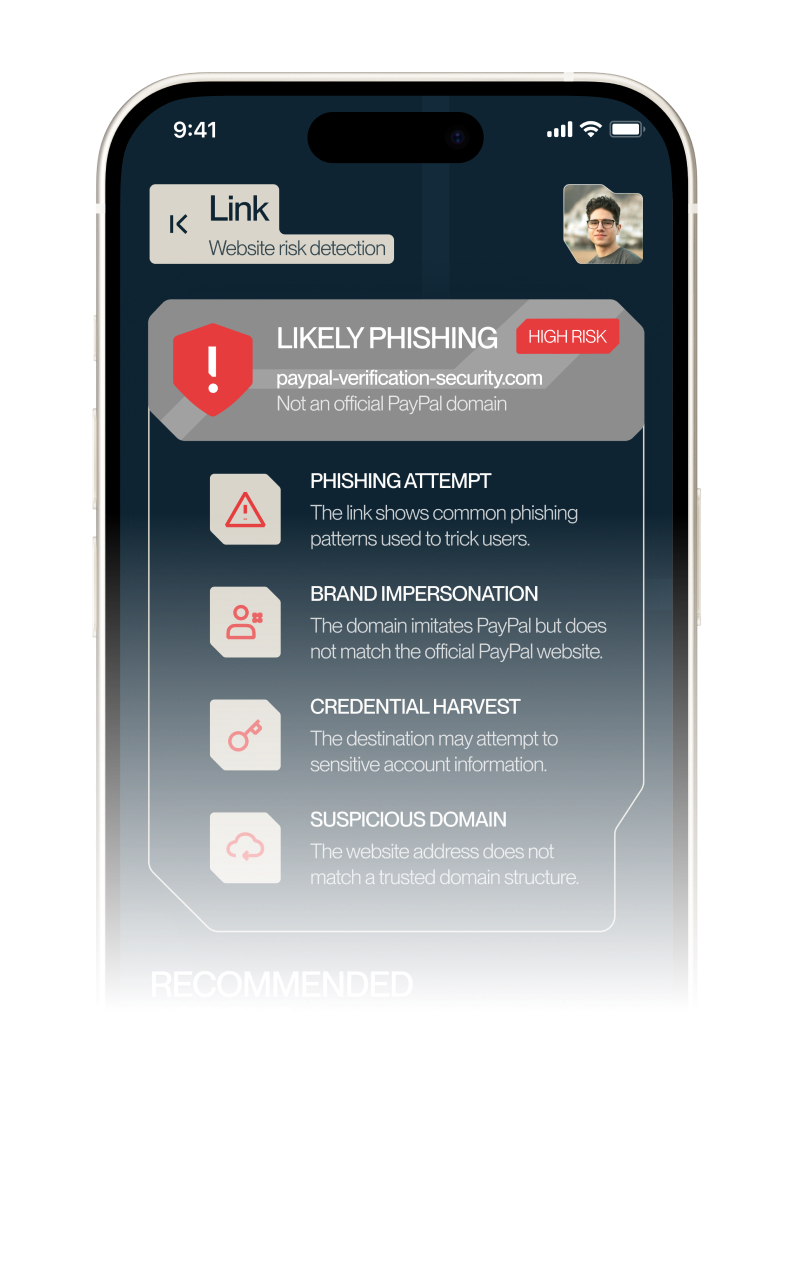
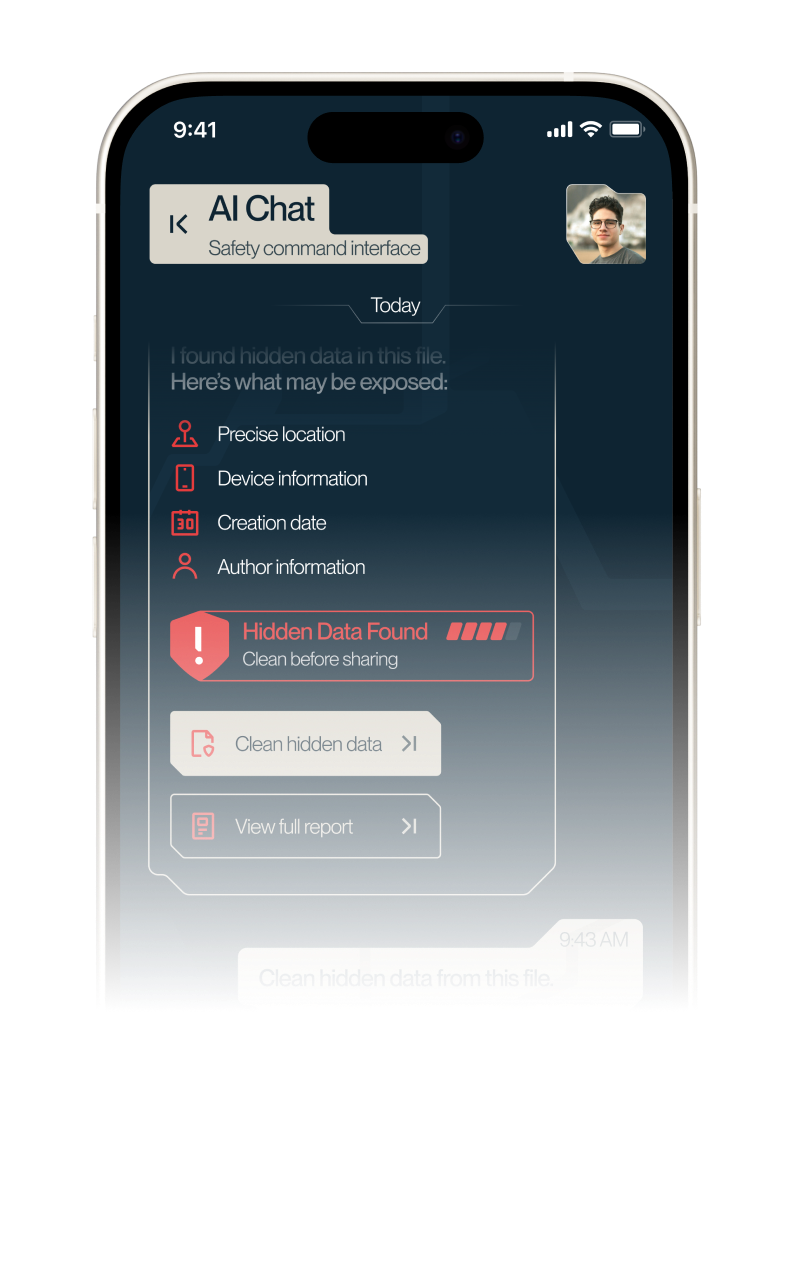
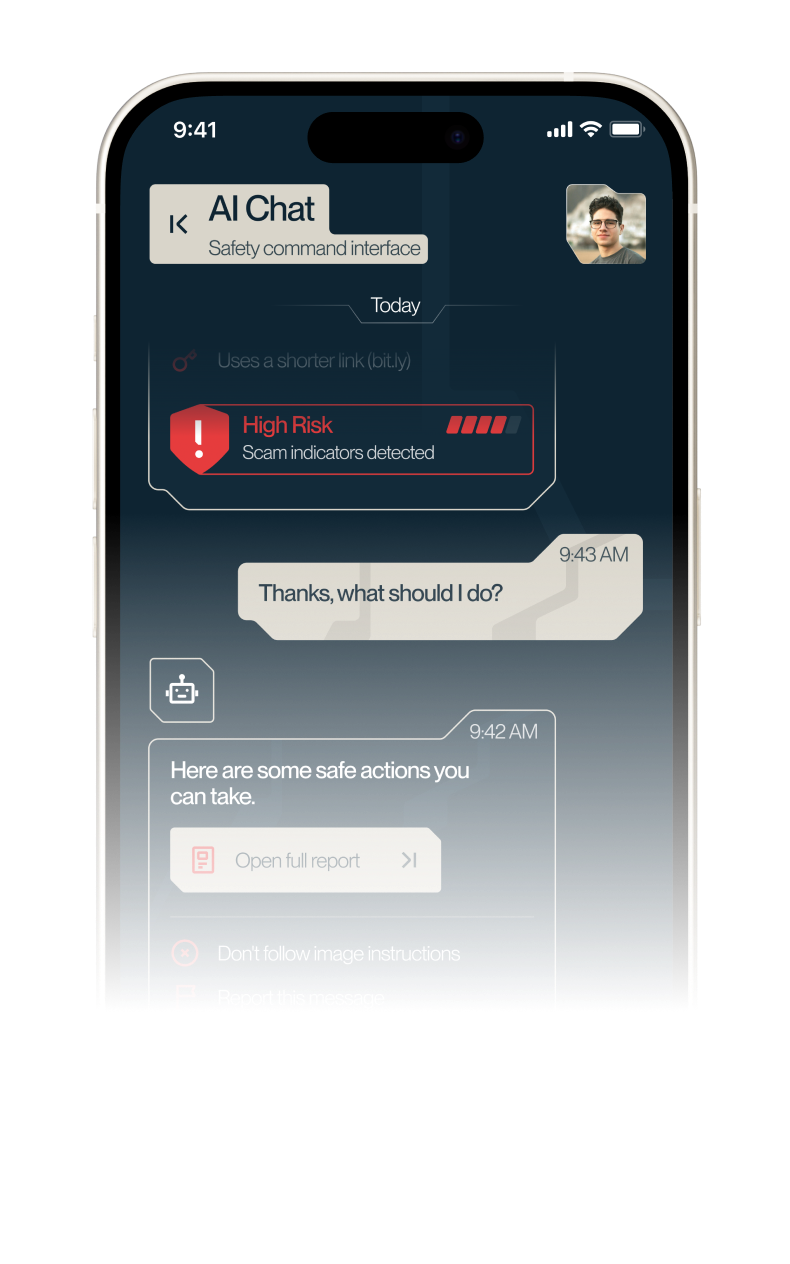
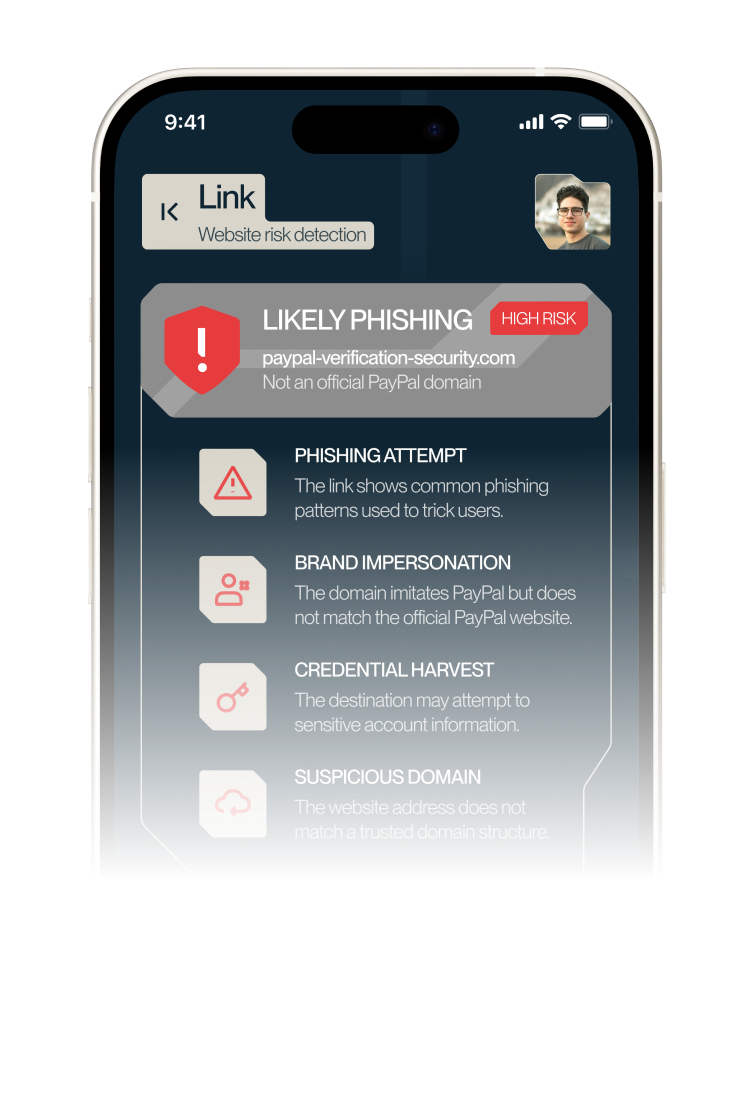
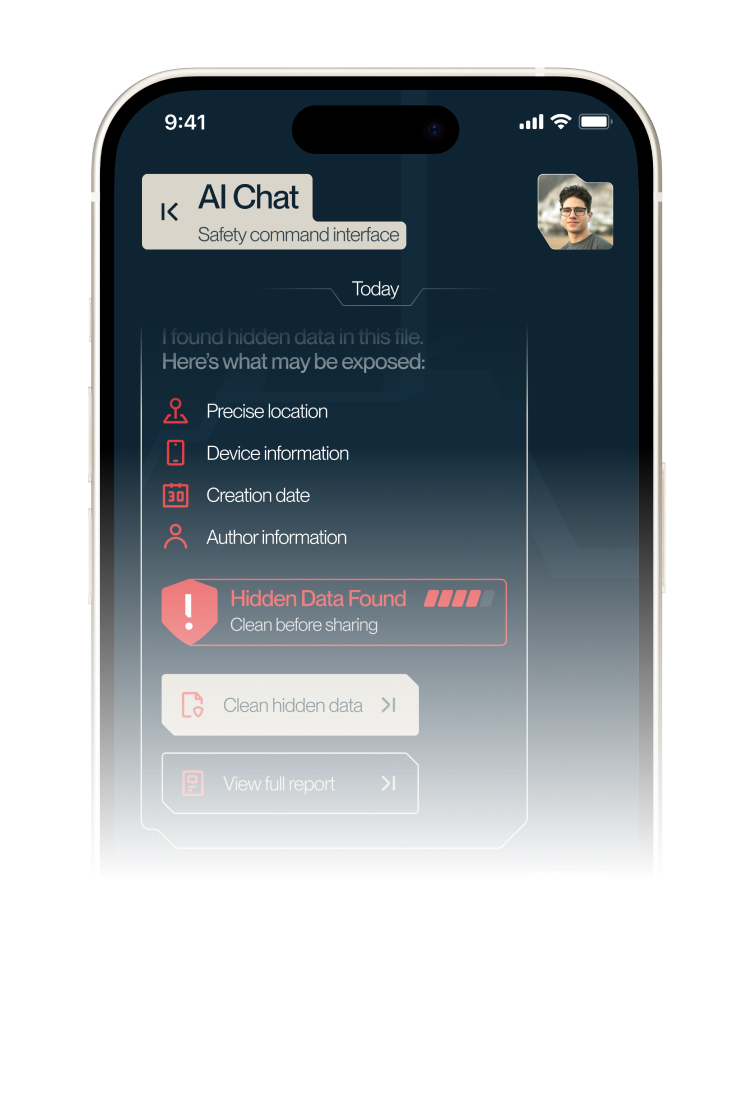
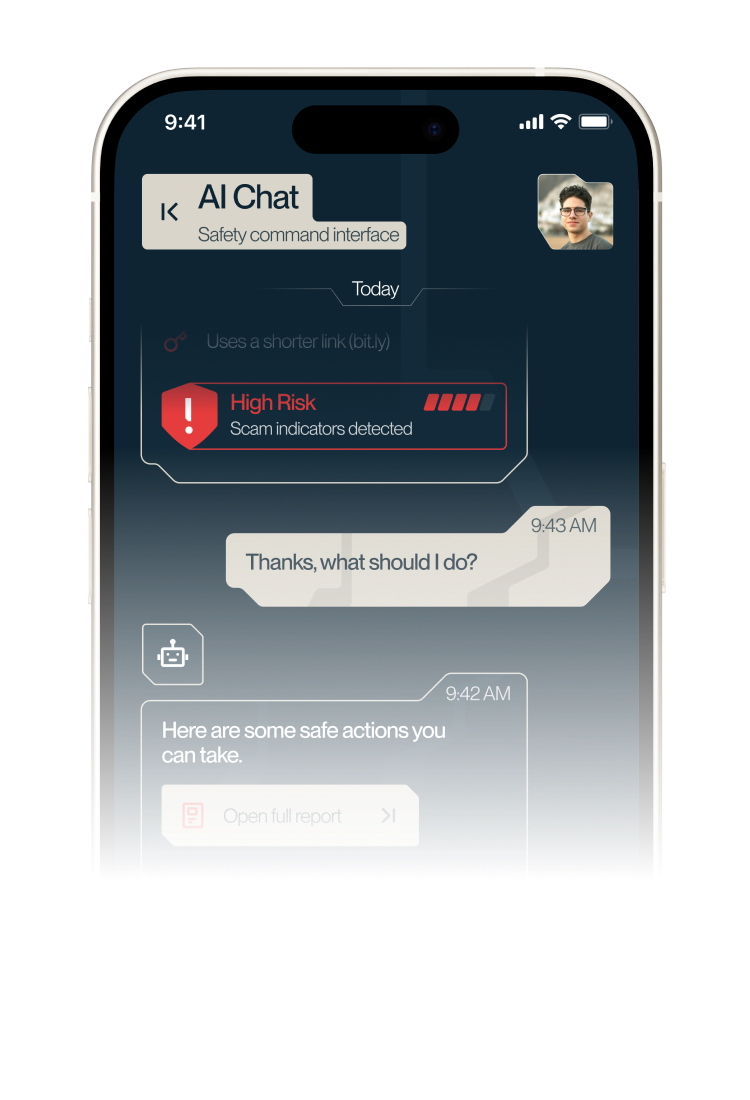
Send a message, link, file or screenshot.
Trenixa detects the request type, explains
the
risk and suggests the right action
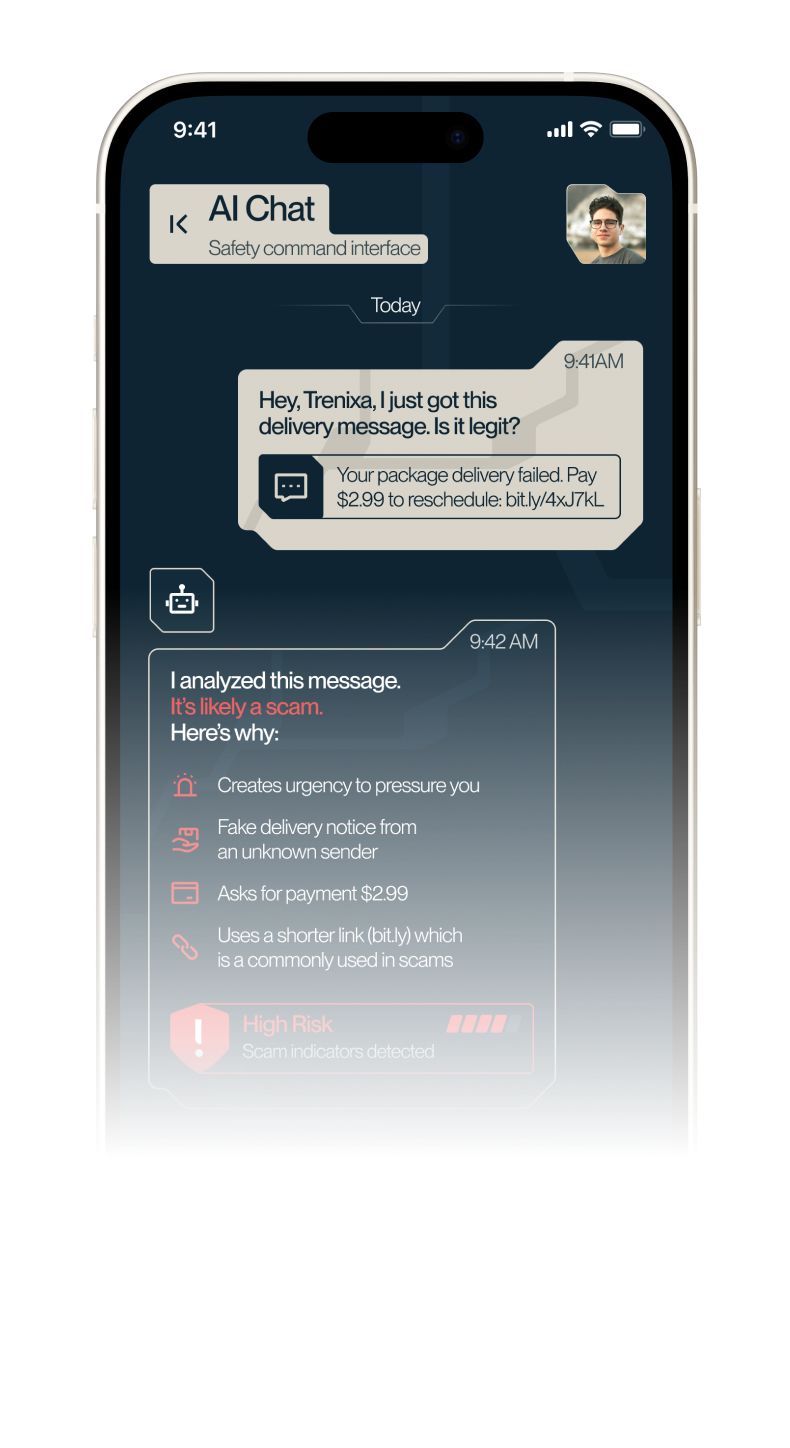
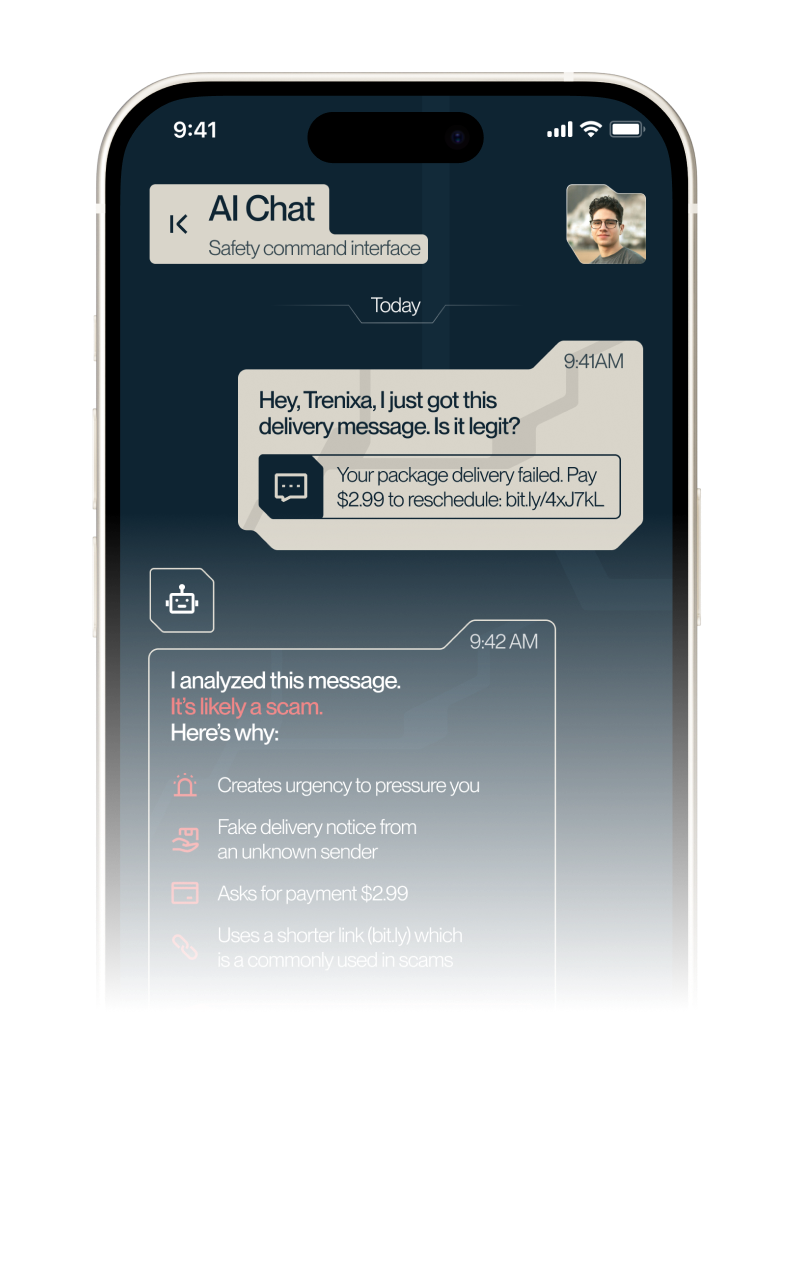
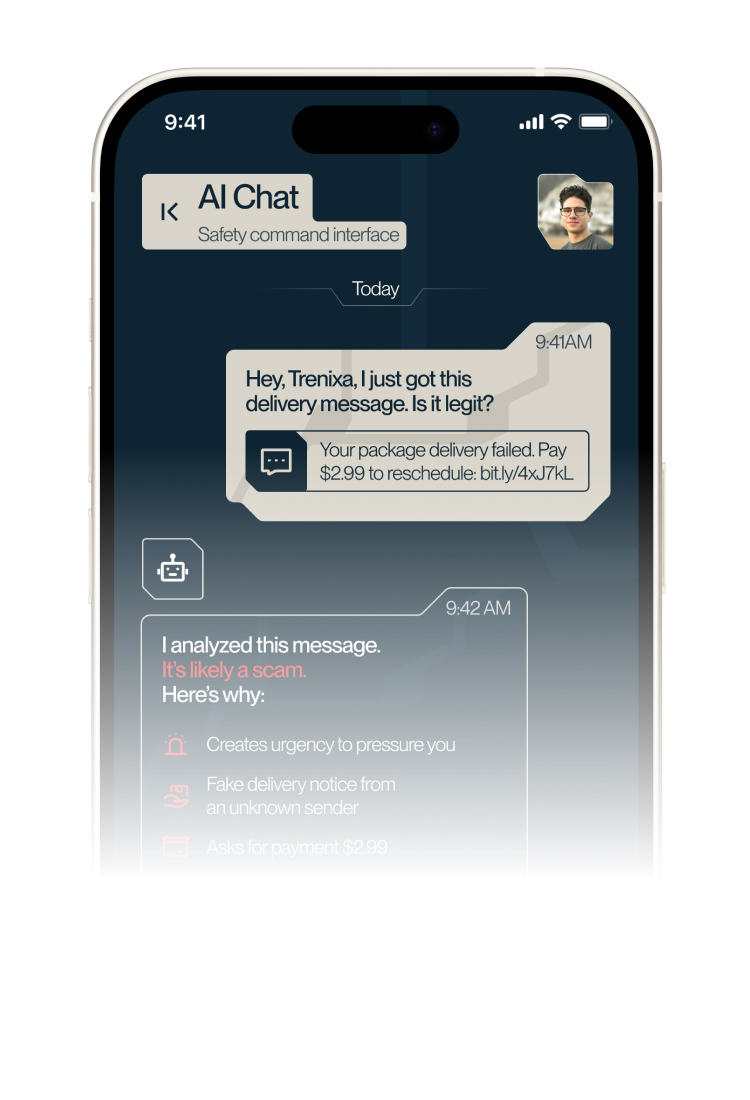
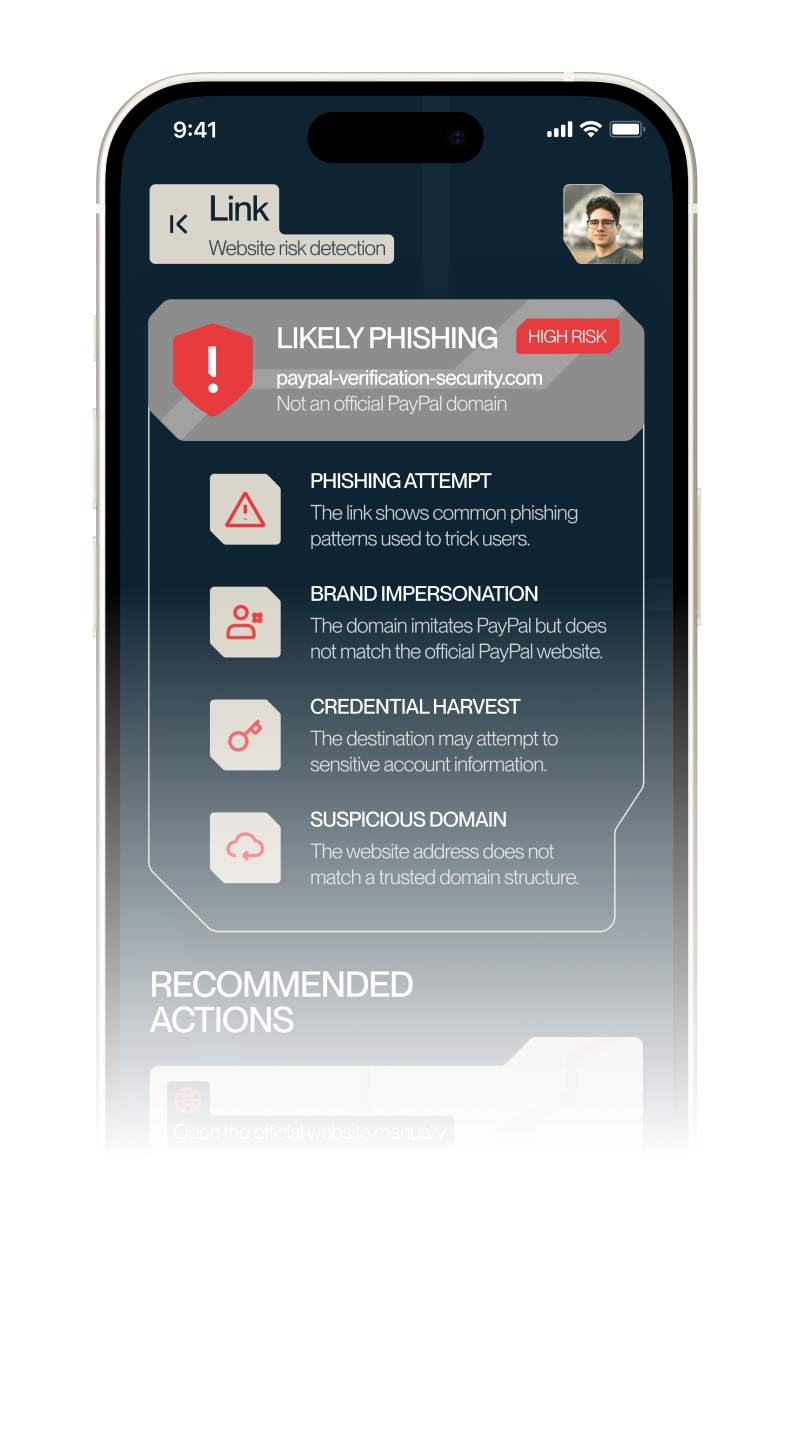
CheckScam Messages
ANALYZE EMAILS, SMS AND CHAT
SCREENSHOTS FOR PRESSURE, FAKE
ALERTS AND SUSPICIOUS REQUESTS
01
RiskLink Explanation
PASTE A URL AND UNDERSTAND IF IT
LOOKS UNSAFE BEFORE OPENING IT
02
FileSharing Advice
ASK WHETHER A PHOTO OR PDF IS
SAFE TO SEND BEFORE SHARING IT
03
ClearRecommendations
GET SIMPLE NEXT STEPS, NOT
CONFUSING SECURITY JARGON
04
CheckScam Messages
ANALYZE EMAILS, SMS AND CHAT
SCREENSHOTS FOR PRESSURE, FAKE
ALERTS AND SUSPICIOUS REQUESTS
01
RiskLink Explanation
PASTE A URL AND UNDERSTAND IF IT
LOOKS UNSAFE BEFORE OPENING IT
02
FileSharing Advice
ASK WHETHER A PHOTO OR PDF IS
SAFE TO SEND BEFORE SHARING IT
03
ClearRecommendations
GET SIMPLE NEXT STEPS, NOT
CONFUSING SECURITY JARGON
04
protection tools
Built for the things people share
Built for the things
people share
every day
Trenixa combines file cleanup, website risk scanning and
scam detection in one simple safety workspace
01
CLEAR HIDDEN DATA
Remove location, device info, timestamps and
hidden properties from photos and PDFs
02
DETECT SCAM MESSAGES
Spot urgency, fake warnings, money
requests and suspicious links
03
CHECK RISKY WEBSITES
Scan links for phishing signs, fake
domains and unsafe login pages
04
ANALYZE SCREENSHOTS
Extract text from screenshots and
check it for scam patterns
01
CLEAR HIDDEN DATA
Remove location, device info, timestamps and
hidden properties from photos and PDFs
02
DETECT SCAM MESSAGES
Spot urgency, fake warnings, money
requests and suspicious links
03
CHECK RISKY WEBSITES
Scan links for phishing signs, fake
domains and unsafe login pages
04
ANALYZE SCREENSHOTS
Extract text from screenshots and
check it for scam patterns
auto protection
Protect before
sharing
auto protection
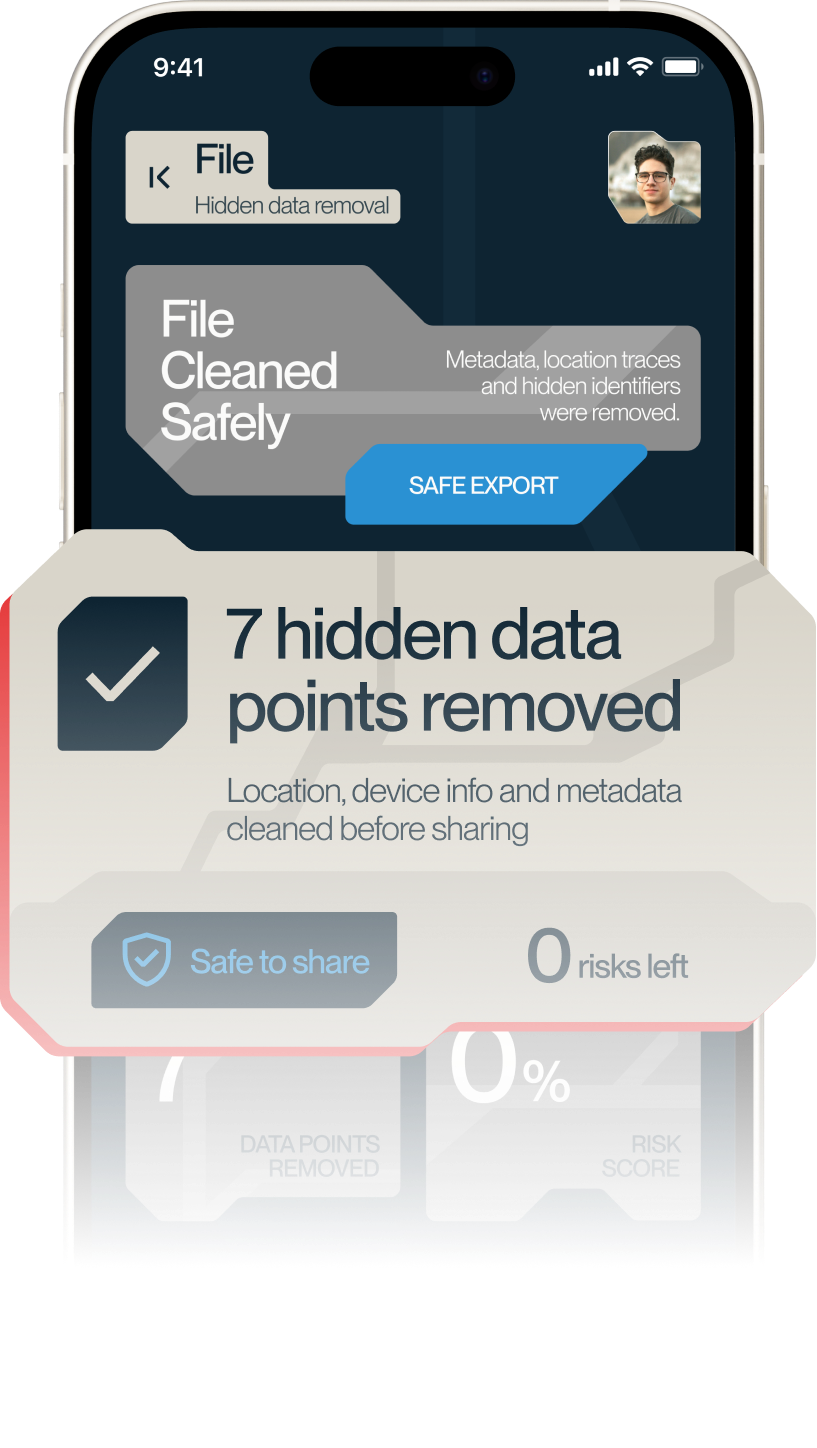
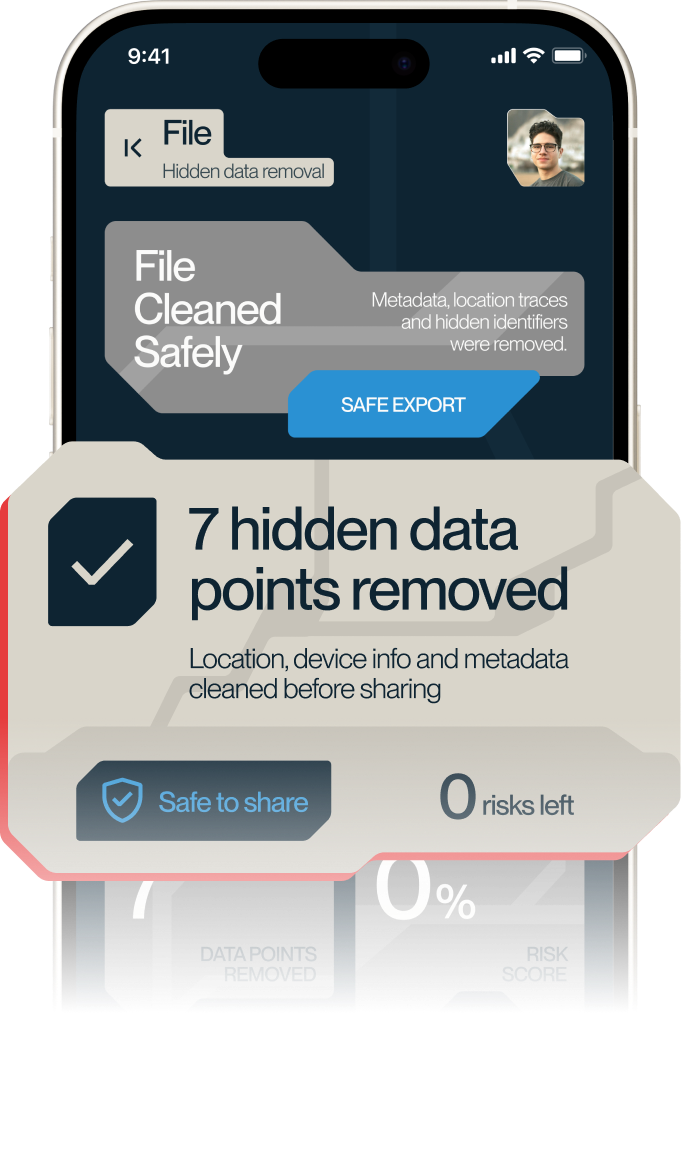
Set safety rules for photos, PDFs, links
and text. Trenixa works from the iOS
Share menu to check content, clean
data and prepare safer copies
auto protection
Protect before
sharing
auto protection
Set safety rules for photos, PDFs, links
and text. Trenixa works from the iOS
Share menu to check content, clean
data and prepare safer copies
OpenShare Menu
SEND A FILE, LINK OR
SCREENSHOT TO TRENIXA
01
ApplySafety Rules
TRENIXA CHECKS THE CONTENT AND
REMOVES HIDDEN DATA WHEN NEEDED
02
ShareSafer Copy
EXPORT A CLEANED FILE OR FOLLOW
THE RECOMMENDED ACTION
03
4Protection Rules Active
PHOTO METADATA CLEANUP | TEXT SCAN
LINK WARNING | PDF CLEANUP
04
OpenShare Menu
SEND A FILE, LINK OR
SCREENSHOT TO TRENIXA
01
ApplySafety Rules
TRENIXA CHECKS THE CONTENT AND
REMOVES HIDDEN DATA WHEN NEEDED
02
ShareSafer Copy
EXPORT A CLEANED FILE OR FOLLOW
THE RECOMMENDED ACTION
03
4Protection Rules Active
PHOTO METADATA CLEANUP | TEXT SCAN
LINK WARNING | PDF CLEANUP
04
SAFETY FIRST. TRUST SECOND
Make every Share
safer
Use Trenixa to check messages, links, files
and
screenshots before you trust them
get trenixa